Use this page if you want to delete a Kinde business: remove it from Kinde, delete its data, and remove access for everyone.
To delete a business on a free plan:
-
Sign in to the business you want to delete.
-
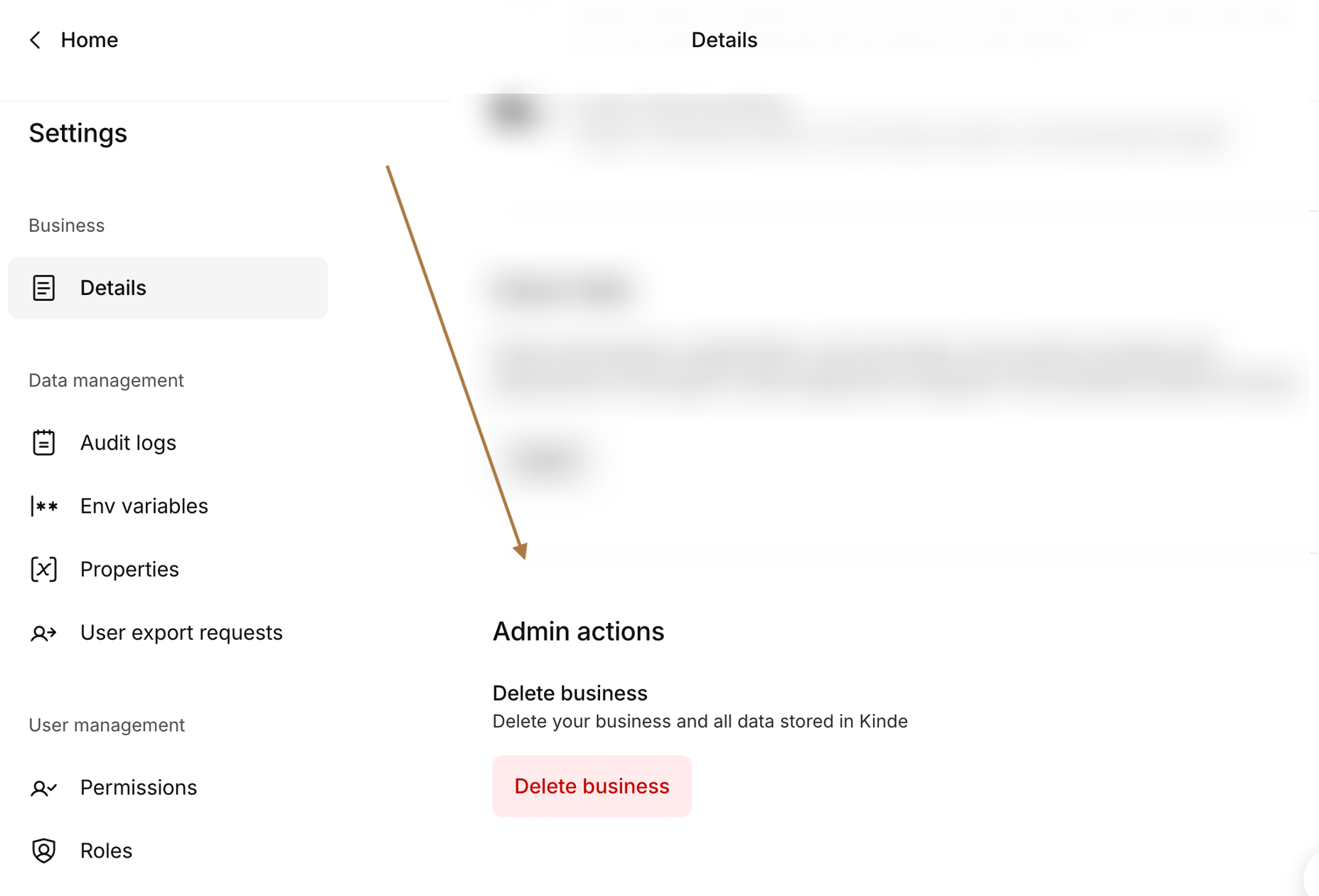
Go to Settings > Business > Details.
-
Scroll to the Admin actions section and select Delete business.
-
Confirm the action in the dialog by selecting Delete business.
The business is deleted and can no longer be accessed.
- The domain associated with the business cannot be used again unless Kinde later frees it
- All environments, applications, organizations, users, and stored data are deleted
- Owner, admin, and team member access to the business is removed
- Connections and integrations stop working
- Other Kinde businesses you own are not affected
- Team members who have access to multiple businesses can still access those businesses